


Why SnapEat AI is a Game-Changer for Nutrition Tracking
For decades, dietary precision meant guesswork. Relying on food scales, measuring cups, and endless searching in calorie-counting databases is prone to human error. Did you use one tablespoon of olive oil or one and a half? These small inaccuracies add up, creating a gap between your tracked intake and reality. This is the friction that derails most health goals.
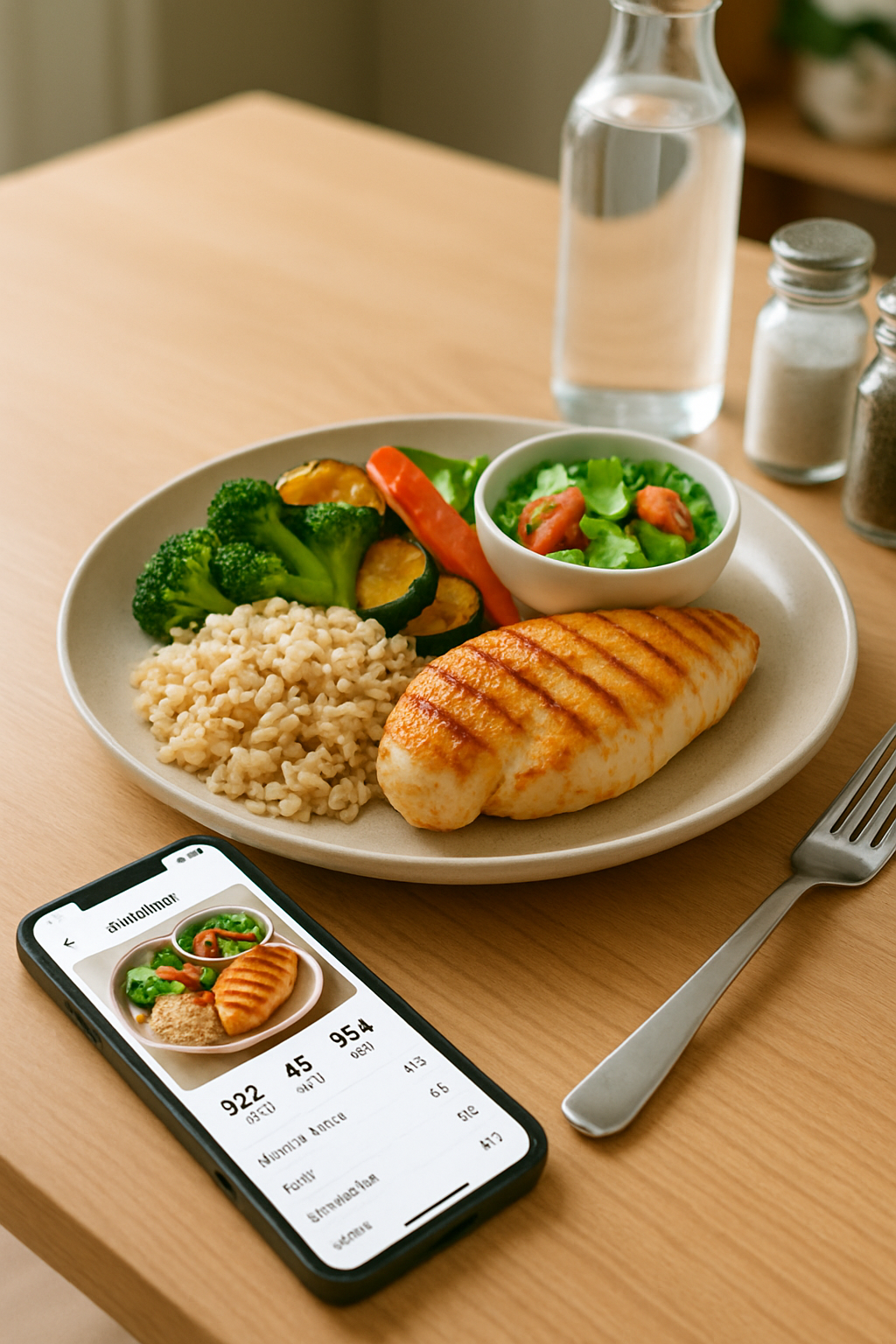
This is where an advanced food recognition app like SnapEat AI revolutionizes meal logging. The process is brilliantly simple yet powerful:
- Snap: Take a clear photo of your meal.
- Recognize: The app's powerful AI, trained on millions of food images, analyzes the photo, identifies different food items, and estimates portion sizes.
- Analyze: Within seconds, this AI calorie counter provides a detailed breakdown of your meal's nutritional data—calories, protein, carbohydrates, fats, and even key micronutrients.
The core benefit is transformative. It turns a visual record of your food into objective, actionable data, empowering you to take control of your diet like never before. A seemingly healthy salad can hide 500 calories in dressing and toppings; SnapEat AI reveals this instantly, allowing for smarter choices in real-time.
Getting Started: Your 3-Step Setup for Success
A tool is only as good as its setup. To get accurate feedback and personalized guidance from SnapEat AI, follow these crucial first steps. This process is designed to tailor the app's powerful engine to your unique body and goals.
Step 1: Create Your Personalized Profile
After downloading the app, you'll be prompted to enter key personal details: age, weight, height, gender, and activity level. Be honest and accurate! This information is essential for calculating your baseline caloric needs (Total Daily Energy Expenditure or TDEE), which forms the foundation for all recommendations.
Step 2: Define Your Primary Health Goal
What do you want to achieve? Selecting a clear objective allows the SnapEat AI to customize its feedback and progress reports to what matters most to you.
- Weight Management: The app will help you establish and maintain a healthy, sustainable calorie deficit.
- Muscle Gain: It will calculate a slight calorie surplus, ensuring your body has enough fuel to build new muscle tissue while minimizing fat gain.
- Overall Wellness: The focus will be on hitting maintenance calories, balancing macronutrients, and monitoring micronutrient intake for optimal health.
Step 3: Master Your First Food Scan
It's time for the magic. For best results, place your plate on a flat surface in good lighting. Open the app, snap a photo, and let the AI work. In moments, you'll see a list of identified foods and their estimated quantities. Your job is to quickly review this list. Did it correctly identify the salmon as 'baked' and not 'fried'? Did it catch the side of asparagus? You can easily make minor adjustments to refine the results, ensuring maximum accuracy from day one.
From Data to Action: Achieving Your Health Goals
Tracking data is pointless if you don't act on it. Here’s how to translate SnapEat AI’s insights into real-world results and track nutrition goals effectively.
Using SnapEat AI for Sustainable Weight Management
The key to weight loss is a consistent calorie deficit. SnapEat AI's visual diary makes it easy to identify high-calorie, low-nutrient foods.
- Identify Patterns: Notice your morning latte adds 300 calories? Or that your 'healthy' salad dressing is a calorie bomb?
- Make Smart Swaps: Use these insights to make simple changes. Trade the latte for a black coffee with a splash of milk, or switch to a light vinaigrette. These small adjustments create a significant deficit over time without feeling deprived.
How to Track Protein for Muscle Gain with SnapEat AI
Building muscle requires two things: adequate protein and a calorie surplus. Use SnapEat AI to focus specifically on your protein intake.
- Check Your Macros: At the end of each day, review your macronutrient summary. Are you hitting your target (typically 1.6-2.2 grams of protein per kilogram of body weight)?
- Identify Gaps: If you're falling short, look back at your meals. Could you add a scoop of Greek yogurt to your breakfast or a larger portion of chicken at dinner? The app makes it easy to see where to fortify your diet.
Monitoring Micronutrients for Overall Wellness
True health goes beyond calories and macros. Use SnapEat AI's detailed analysis to ensure you're building a truly balanced diet.
- Track Key Nutrients: Are you getting enough fiber for digestive health? How about iron for energy or Vitamin C for immune support?
- Fill Nutritional Gaps: By identifying deficiencies, you can consciously add foods rich in those nutrients—like bell peppers for Vitamin C or spinach for iron—to create a robust and nourishing eating plan.
Pro-Tips to Maximize Your Results
Ready to become a power user? These tips will help you get the most out of this incredible AI nutrition tracker.
- Be Consistent, Track Everything: A splash of milk in your coffee, a handful of nuts, a single piece of chocolate. These small items add up. For the most reliable data, make it a habit to snap everything.
- Review Your Weekly Reports: Don’t just focus on the day-to-day. The weekly and monthly reports are goldmines of information, showing long-term trends in your calorie intake, macro split, and progress toward your goals.
- Plan Your Meals Ahead: Use the app's extensive database to search for food items and build future meals. This proactive approach ensures your planned meals fit perfectly within your daily targets.
- Create a 360-Degree Health View: Connect SnapEat AI with your fitness watch or other health apps. Factoring in calories burned during exercise provides a more accurate picture of your net energy balance for the day.
Frequently Asked Questions about SnapEat AI
How accurate is the food recognition?
SnapEat AI's recognition is highly accurate, built on a machine learning model trained with millions of food images. Accuracy is highest in good lighting with a clear view of the food. The app also allows you to quickly verify and adjust any item to ensure your log is 100% correct.
Is SnapEat AI better than manual logging?
For most people, yes. While manual logging can be precise if you weigh every ingredient, it's tedious and time-consuming. SnapEat AI prioritizes consistency and ease of use, reducing the time spent logging from minutes to seconds. This convenience makes you far more likely to stick with tracking long enough to see results.
Can I track my own home-cooked recipes?
Absolutely. You can create custom recipes and meals within the app. Log the ingredients once, save it as a recipe, and the next time you make it, you can log the entire meal with a single entry instead of scanning it.
Your Health, Smarter: The Future is Now
The journey to better health shouldn't be a chore. By leveraging technology like SnapEat AI, we eliminate the most tedious parts of meal logging and focus on what truly matters: understanding our habits and making positive, sustainable changes. This powerful food recognition app puts a nutritionist's insight in your pocket, empowering you with clear, objective data to move from guessing to knowing.
Remember, technology is the tool, but you are the architect of your health. Take the first step today. Download SnapEat AI from the App Store or Google Play and snap your first meal. Your future self will thank you for it.