


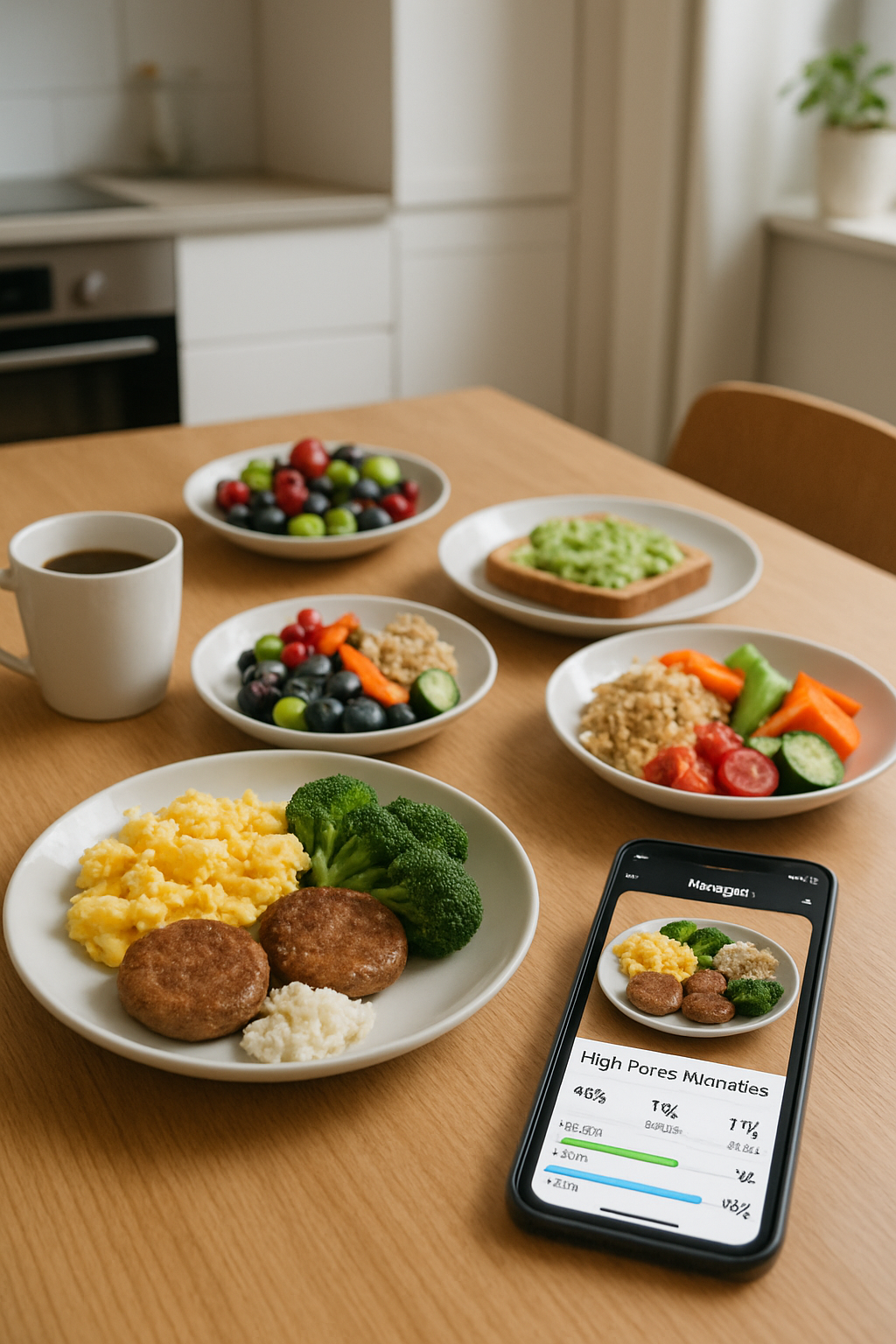
What is SnapEat AI? Your Secret Weapon for Content Creation
At its core, SnapEat AI is a cutting-edge food tracker app that uses artificial intelligence to identify meals from a photo. It provides an instant, accurate breakdown of calories and macronutrients (protein, carbs, and fats). Simply snap a picture of your plate, and the AI handles the rest.
But for a content creator, its true power is in the output. SnapEat AI transforms your meals into clean, easy-to-read, and visually engaging data graphics. This ability to bridge the food you eat with the science behind it is a goldmine for creating compelling TikTok content that's both educational and highly shareable.
4 Viral TikTok Video Ideas Using SnapEat AI
Ready to move from theory to practice? Here’s a playbook on how to use the SnapEat AI calorie counter to create your next viral video and become a go-to resource in the health and wellness space.
1. The "What I Eat in a Day" 2.0: Add Data-Driven Authority
The classic "WIEIAD" video is a staple, but it often lacks depth. Elevate it by incorporating SnapEat AI to provide the nutritional context your audience craves.
- How to do it: Start your TikTok by showing your meal. Then, cut to a screen recording of you snapping the photo in the SnapEat AI app. Showcase the “Aha!” moment when the app instantly provides the calorie and macro breakdown. Use text overlays to highlight key numbers.
- Why it works: You’re no longer just showing food; you’re offering data-backed transparency. It adds a layer of authority and preemptively answers common questions like, "How many calories is that?" or "Is that high in protein?" This is how you make your "what I eat in a day" videos stand out.
2. Educational Content That Pops: "This vs. That" Comparisons
Position yourself as a trusted source of nutrition information. SnapEat AI makes complex nutritional science simple and visual, perfect for short-form video.
- How to do it: Create a "This vs. That" video. For example, compare a store-bought caramel latte with a homemade protein coffee. Snap both with the app and show a side-by-side comparison of the calories, sugar, and protein. The visual data makes the healthier choice immediately obvious.
- Why it works: This format is highly shareable and effective for teaching concepts like nutrient density. You’re providing actionable nutrition content ideas that empower your followers to make better choices.
3. Engaging Challenges & Series: Create Binge-Worthy Content
Keep your audience coming back for more with a recurring series powered by SnapEat AI's food logging capabilities.
- How to do it: Launch a series like "7 Days of High-Protein Breakfasts Under 400 Calories" or "Tracking My Cheat Meal... What's the Real Damage?" Use the app in each video to prove you’re sticking to the challenge parameters and to share your daily results.
- Why it works: Challenges create community and suspense. Your followers will become invested in your journey and inspired to join in, making it a perfect strategy for building a loyal following with your wellness content.
4. Debunking Myths & Building Trust with Data
The wellness corner of social media is filled with misinformation. Use the objective data from SnapEat AI to become a beacon of truth.
- How to do it: See a video claiming a "zero-calorie" dessert or a myth about carbs? Recreate the meal, use your AI food tracker to scan it, and reveal the actual nutritional information. Use TikTok's "Stitch" or "Duet" feature to address the myth directly with facts.
- Why it works: Using objective data builds immense trust and credibility. You become the reliable creator who cuts through the noise with evidence, which is incredibly valuable to your audience.
A Nutritionist's Guide: Integrating SnapEat AI into Your TikTok Workflow
Ready to start? Integrating this powerful tool into your content creation process is as simple as 1-2-3.
- The Shot: Film yourself with your meal. Get a clear, top-down shot of the plate for the best AI recognition.
- The Data: Open SnapEat AI. Use your phone's built-in screen recorder to capture the moment you snap the photo and the app reveals the nutritional breakdown. This is your key visual asset.
- The Story: In your video editor (like CapCut), combine the clips. Start with the food, cut to the screen recording of the app's analysis, and use text overlays to highlight the most interesting numbers (e.g., "55g of Protein!"). Add trending audio, a clear caption, and you're ready to post.
Frequently Asked Questions (FAQ)
Is the SnapEat AI calorie counter accurate?
Yes, SnapEat AI uses a vast, verified food database and advanced computer vision to provide highly accurate nutritional estimates. As a creator, this accuracy is key to building trust and providing responsible educational content.
Can I use these content ideas for Instagram Reels or YouTube Shorts?
Absolutely! These content formats and strategies are platform-agnostic. The principles of using data to create engaging, educational, and trustworthy wellness content work perfectly on Instagram Reels, YouTube Shorts, and other short-form video platforms.
Is SnapEat AI better than manually logging food in other apps?
For content creation, the visual and speed advantage is unmatched. Manually searching and logging ingredients is slow and not visually interesting. SnapEat AI's photo-to-data feature is immediate and creates a "wow" moment that is perfect for video, making it the best calorie counter for TikTok creators.
Conclusion: Elevate Your Content, Empower Your Audience
In the competitive world of social media, standing out requires creativity, authenticity, and value. SnapEat AI delivers on all three. It’s more than just a food tracker app; it's a partner in your content creation journey that empowers you to produce data-driven content with ease.
By integrating real data into your videos, you can transform your feed from a simple food diary into a credible, engaging resource for health and wellness. Stop just showing your meals—start teaching with them. Your next viral video is just a snap away.