


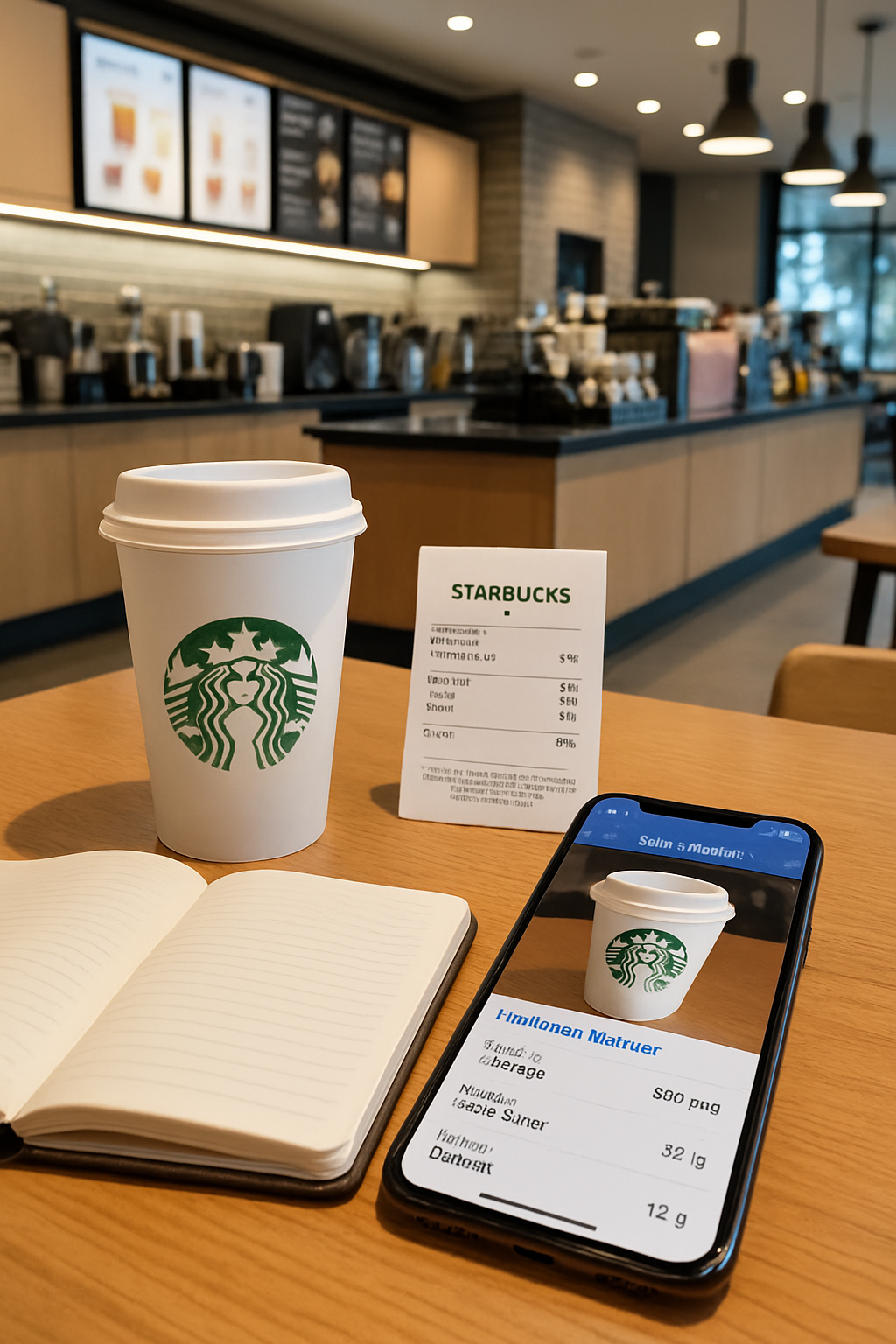
The Starbucks Calorie Puzzle: Why Is Tracking So Hard?
Before diving into the solution, let's unpack why tracking your Starbucks habit is notoriously difficult. It's not just coffee; it's a complex equation of hidden ingredients and personal choices.
Hidden Calorie and Sugar Bombs
It's rarely the espresso that's the issue. The real culprits are the sweet syrups, full-fat milk, generous dollops of whipped cream, and sugary drizzles. A single pump of syrup can add 20-30 calories and over 5 grams of sugar. Considering most standard grande drinks contain 3-5 pumps, you can see how quickly a simple coffee transforms into a high-calorie dessert.
The Customization Trap
"No whip," "extra shot," "substitute with oat milk"—every single modification you make alters the nutritional profile of your drink. A standard nutrition chart on a website can't possibly account for your unique creation. This makes accurate, manual calorie tracking for your specific order nearly impossible and often leads to significant underestimation.
Why Manual Tracking Fails
Let’s be honest: manually looking up and entering every component of your custom drink into a traditional food diary is tedious and prone to error. This friction is a major reason why many people, despite their best intentions, give up on tracking their intake altogether.
SnapEat AI: Your Personal Nutrition Coach for Starbucks
This is where smart technology offers a better way. SnapEat AI isn't just another calorie counter; it's an intelligent AI nutrition coach built to understand the complexities of real-world eating—including your favorite Starbucks order.
At its core, SnapEat AI uses advanced image recognition and AI. You simply snap a photo of your food or drink, and the AI provides a detailed nutritional breakdown. What makes it the ultimate calorie tracker for Starbucks drinks?
- It Understands Nuance: Take a picture of your cup, the menu board, or type in "grande iced latte with 2 pumps of vanilla," and the AI deconstructs the order to accurately calculate its nutritional value.
- It's More Than Just a Number: This is the key difference. Instead of just showing a calorie count, the AI nutrition coach provides vital context. It reveals the macronutrient breakdown (protein, carbs, fat), highlights the sugar content, and offers actionable advice to help you align your choices with your health goals.
How to Track Starbucks Calories in 4 Simple Steps
Ready to see how easy it is to track your go-to Starbucks order? Let's use a Grande Iced White Chocolate Mocha as an example. This is how you get precise data with SnapEat AI.
Step 1: Snap a Photo
Open SnapEat AI and take a quick photo of your drink. The AI is smart enough to identify the drink from the cup, but a clear shot of the menu or receipt works perfectly too.
Step 2: Let the AI Analyze
Instantly, the AI gets to work, identifying the key components: espresso, milk (it can even prompt you to confirm the type, like 2% or oat), white chocolate mocha sauce, and whipped cream.
Step 3: Get Instant Nutritional Insights
Within seconds, a detailed breakdown appears on your screen:
- Calories: ~420 kcal
- Fat: ~18g
- Carbohydrates: ~54g (of which sugars are ~53g)
- Protein: ~14g
Step 4: Receive a Coach's Recommendation
This is the magic. The AI nutrition coach provides personalized feedback, like:
"This drink has over 50g of sugar, which exceeds the daily recommended limit for many adults. For your next order, try asking for half the pumps of sauce to save over 100 calories and 25g of sugar without sacrificing flavor!"
3 Quick Tips for a Healthier Starbucks Order
Even without the app, you can start making smarter choices today. Here are three simple tips:
- Go Sugar-Free on Syrup: Ask for sugar-free vanilla or cinnamon dolce syrup to get the flavor without the sugar load.
- Choose Your Milk Wisely: Swapping whole milk for nonfat milk, almond milk, or skim milk can save a significant number of calories and fat.
- Halve the Syrup: If you can't go sugar-free, simply ask for half the number of standard syrup pumps. You'll be surprised how sweet it still is!
Beyond Calories: Deeper Insights for True Health
A truly smart approach to nutrition goes beyond just one number. SnapEat AI empowers you with a deeper understanding of your habits.
- Macronutrient Breakdown: See exactly where your calories come from. That Frappuccino might be high in carbs and fats but low in protein—an insight that helps you balance your other meals for the day.
- Targeted Sugar Tracking: With growing concerns about sugar intake, the app specifically highlights added sugars, helping you distinguish them from natural ones and make informed choices for your weight loss goals.
- Personalized Recommendations: The more you use it, the smarter it gets. The AI learns your preferences and suggests healthier swaps. If it notices you often order flavored lattes, it might suggest, "For a lower-calorie caffeine fix tomorrow, how about an Americano with a splash of milk and one pump of your favorite syrup?"
Frequently Asked Questions (FAQ)
What is the lowest calorie milk at Starbucks?
Typically, almond milk is the lowest calorie option at around 60-80 calories per cup, followed by nonfat (skim) milk. Whole milk and oat milk are generally the highest in calories.
How can I order a healthy Starbucks drink?
Start with a simple base like brewed coffee, Americano, or unsweetened iced tea. Add a splash of low-calorie milk and use a sugar-free syrup or a natural sweetener like stevia. Avoid whipped cream and sugary toppings.
Is SnapEat AI better than other trackers for Starbucks?
While traditional trackers are great, SnapEat AI excels with its ability to instantly analyze customized drinks from a photo. This eliminates the guesswork and manual data entry required by other apps, making it faster and more accurate for complex orders like those from Starbucks.
Take Control of Your Starbucks Habit, Not the Other Way Around
You don't have to choose between your favorite coffee ritual and your health goals. The key is awareness, not deprivation. By understanding the true nutritional impact of your choices with precision, you can decide when to indulge, when to modify, and how to fit everything into a balanced lifestyle.
Stop guessing and start knowing. With SnapEat AI, you can finally track calories from your Starbucks orders accurately, effortlessly, and intelligently. You're empowered to make choices that serve your body while still enjoying the drinks you love.
Ready to make your Starbucks habit smarter and healthier? Download SnapEat AI today and transform your phone into a powerful AI nutrition coach.